
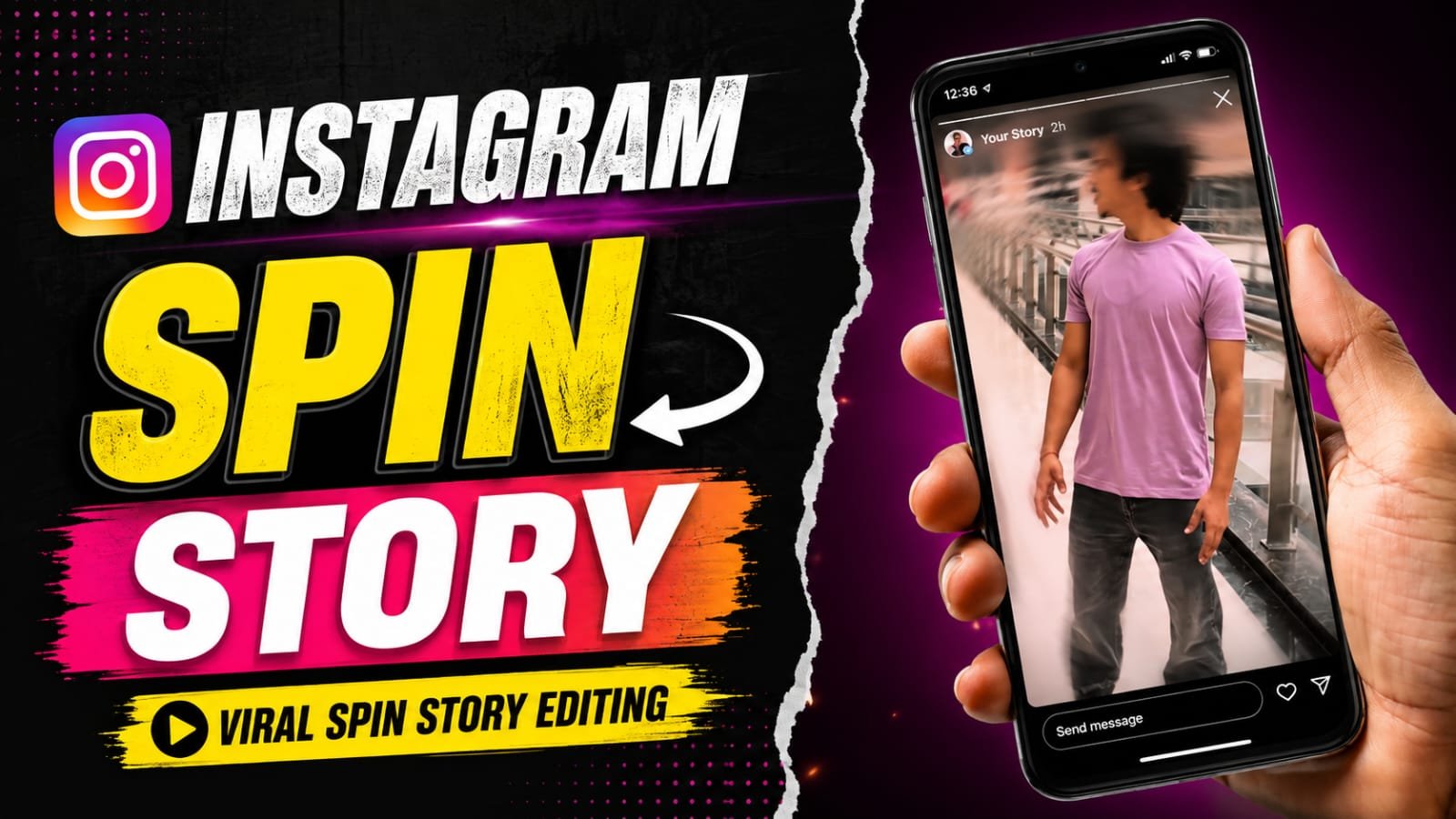
Friends, in this article you have been told about how to put a story on Instagram. If you also want to make such a story, then this article is going to be special for you. In this, you have been told a special method with the help of which you can make your spin story very easily without much effort. For that, you will have to read this article till the end, only then you will understand everything.

How to Add a Spin Story Using Meta Glasses? Easy Guide
Meta AI Glasses have made it easier to capture unique first-person content and share it on Instagram. With Instagram’s Spin View feature, users can turn compatible content captured with Meta AI Glasses into an interactive Story that viewers can explore by moving their phones.
In this guide, we will explain what Spin View is and how to add a Spin Story using Meta Glasses.
What Is Spin View on Instagram?
Spin View is an interactive Instagram Story format designed for content captured with Meta AI Glasses.
Instead of showing viewers only one fixed angle, Spin View allows them to explore different parts of the captured scene by moving or rotating their smartphone.
This can make travel moments, adventures, events, and other first-person experiences more engaging.
Instagram Par Spin Story Kaise Lagaen
SPIN WEBSITE LINK
How to Add a Spin Story Using Meta Glasses?
Follow these simple steps to create and share a Spin View Story.
Step 1: Capture a Photo or Video With Meta Glasses
First, use your compatible Meta AI Glasses to capture a photo or video.
You can capture the moment directly from the glasses without needing to hold your phone.
Step 2: Open Instagram
Open the Instagram app on your smartphone and tap Your Story to create a new Story.
Step 3: Select Your Meta Glasses Content
Choose the photo or video captured with your Meta AI Glasses from your phone’s gallery.
For compatible content, Instagram may show a glasses icon in the Story editor.
Step 4: Tap the Glasses Icon
After selecting your content, look for the glasses icon in the Instagram Story editing tools.
Tap the icon to see the available Meta Glasses options.
Step 5: Select Spin View
Choose Spin View from the available options.
Instagram will proces/s the compatible footage and turn it into an interactive Story format.
Step 6: Share Your Story
Preview the Story and make any additional edits you want. Once you are satisfied, tap Your Story to publish it.
Your followers can then interact with the Spin View Story by moving their phones to explore the scene.
Conclusion
Friends, you must have liked “instagram par spin story kaise lagaen” very much, and you must have learned how to use this template, by using this template you too must have learned to edit your video in a very correct way. If you have any problem in using this template, you can ask us through comment, and we will definitely reply.